Glassmorphism
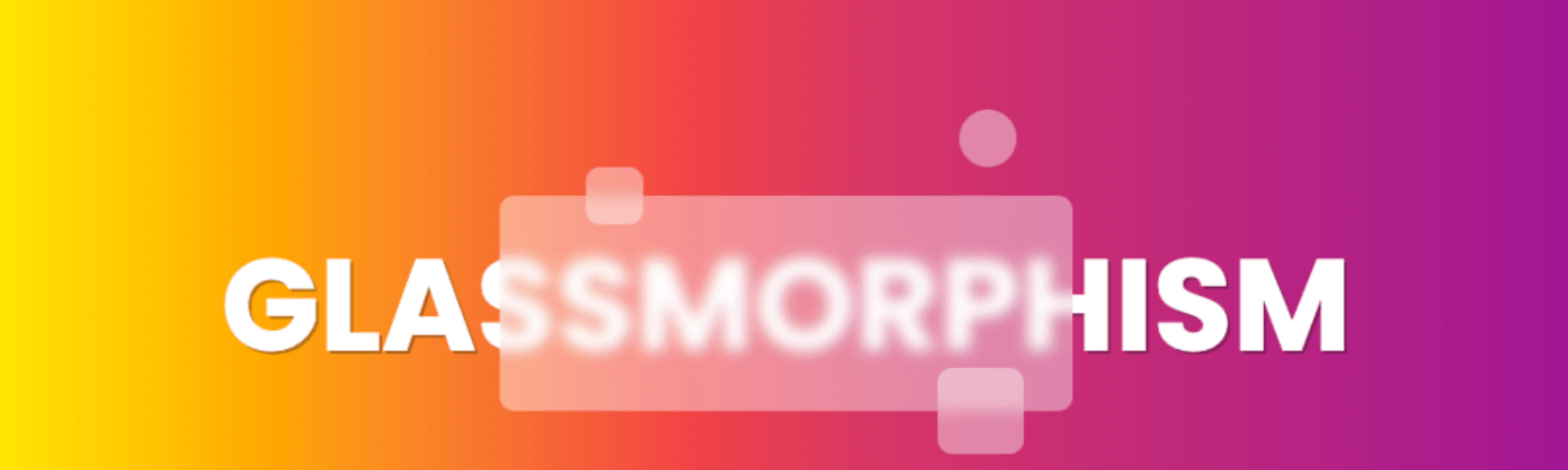
Glassmorphism was a big trend in 2020, and respectively so, Glassmorphism is a simple UI trend that using the look of frosted glass and small borders to create a really cool effect.
What about it?
So, what better way to start 2021 than with one of the best techs of 2021 -- Next.js. I have created a boilerplate for a simple Glassmorphism UI using Tailwind and Next.js.
Inspriation.
I was inspired to do this project after seeing multiple boilerplates popping up in my social media feeds, so I thought to myself "wouldn't it be nice if there was a boilerplate for glassmorphism?", and from there on the idea was set.
The Beginnings.
The process of creating this boilerplate started with the idea which later evolved into a wireframe, the base design went through many different looks, one of the hardest things to get was the colour palette. I wouldn't call myself good with colour schemes by any measure, it usually takes me ~16hrs to fully decide on a colour palette, so, after many attempts and failed tries I was finally able to get something that I enjoyed, it was an orange and white palette + a bit of blue, this colour palette was heavily inspired by the backgrounds images used which are the macOS Big Sur backgrounds.
The meat of the project.
After the previous portion, it was finally time to get to the meat of the project -- the code. I started with the default Next.js boilerplate by running npx create-next-app which provides a lovely boilerplate to build off of. After re-organizing the boilerplate provided I began to recreate my previous planning, it started off quite smooth with minimal bugs, but then I ran into a bug that I got stumped on for quite a while, the bug in question was scrolling on mobile, it wouldn't scroll the correct elements, it would scroll the body as if there were more text allowing scrolling. The solution to this problem? It was due to setting the width of elements to screen-size instead of 100%.
Wrapping everything up.
Shortly after the fix, I proceeded, I wanted to get some feedback on how it looked so far, so I reached out to the kind people over at Visionaries, with their feedback I knew what was next -- I had to make the features have more padding as they looked too tightly packed.
After that it was official, the Project was finished. This was an extremely fun project to make, thanks for reading and have a great day!
About the author
I'm Matt, I'm a Student and Full-Stack JavaScript Engineer from British Columbia, Canada.
Comments
Join the discussionNo comments yet. Be the first to comment.